What is a PaaS?
The middle layer of cloud computing that handles infrastructure so developers focus on code.
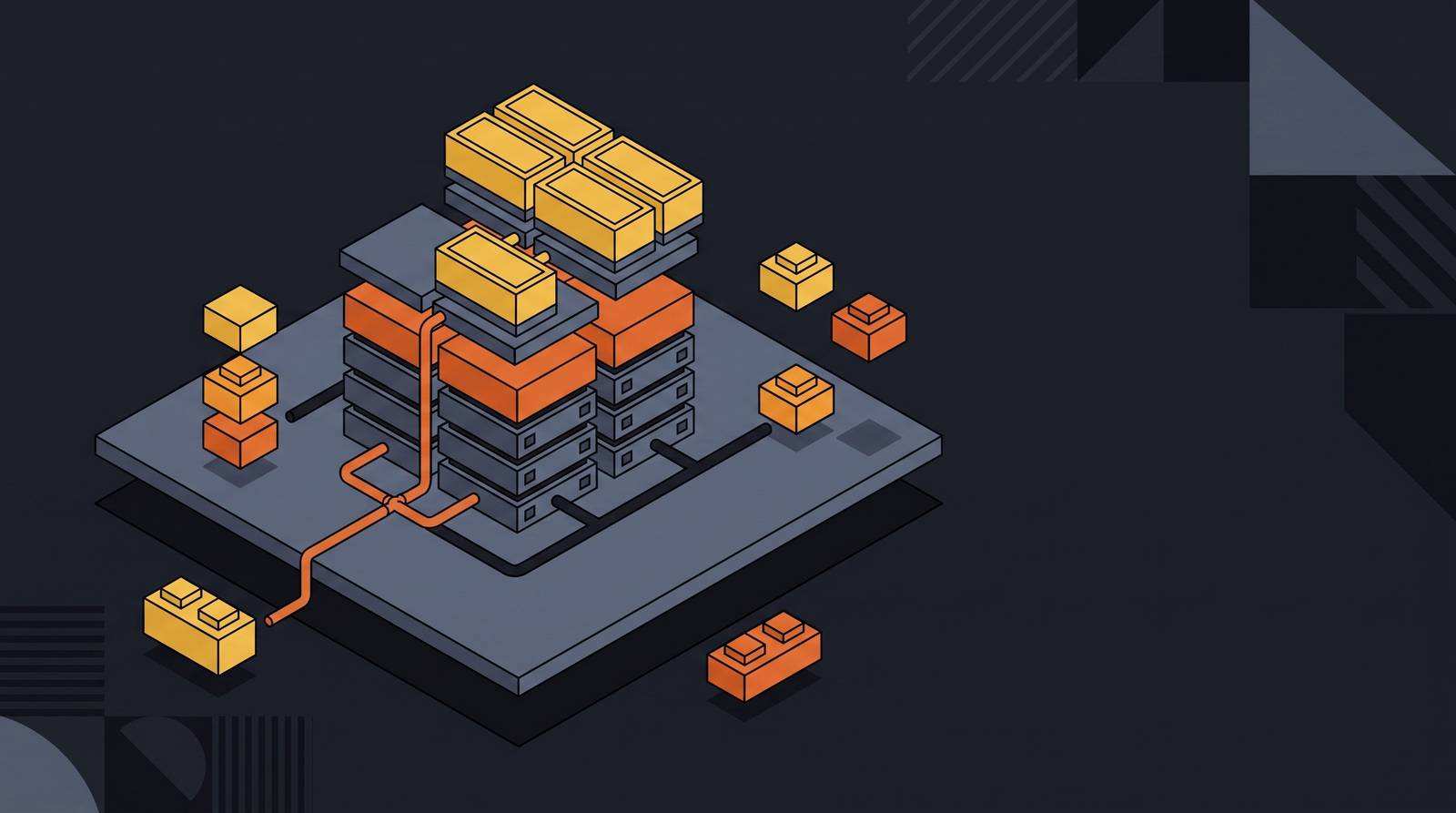
You need the full cloud stack in front of you to understand where PaaS actually sits. Three tiers exist in this model. Each one hands off a different amount of control, and the boundaries matter more than most introductions let on.
IaaS (Infrastructure as a Service) gives you raw materials. Virtual machines, storage, networking. You configure the operating system, install software, manage runtime environments. You have maximum control and maximum responsibility. You own everything above the hardware.
SaaS (Software as a Service) is the other end entirely. You log in, you use the app, the code is completely off-limits. Someone else made every decision about how it works.
PaaS lives between those two. It takes the IaaS foundation and layers on the runtime, middleware, and OS management so developers aren't burning time on that work. But unlike SaaS, it still leaves the developer in charge of the application and its data.
Cloudflare puts it this way: SaaS is renting a finished house. PaaS is borrowing a fully stocked kitchen to cook your own meal. You still design the menu. You just don't have to build the stove or figure out where the gas line goes.
Most organizations don't pick one model and stop there. They run IaaS for custom infrastructure work, PaaS for active development, and SaaS for productivity tools. The question was never which model wins. It's which one fits which job.
PaaS exists specifically to accelerate development, not to deliver raw infrastructure control. It doesn't remove developer agency. Its purpose is to get out of the developer's way on everything below the application layer.
The Three-Layer Architecture and What Each Layer Does
The abstraction PaaS offers isn't magic. It's a pre-built, maintained stack delivered as a service. Tracing the layers changes how you think about what you're actually buying.
Layer 1: Infrastructure
Servers, storage, networking. The provider provisions it, maintains it, and makes it invisible. As a developer on a PaaS platform, you probably won't think about this layer once you're set up. That invisibility is the entire point.
Layer 2: The Platform
This is where PaaS earns its name, and it's more substantial than it first appears.
- Operating systems: Pre-configured and automatically patched. You didn't install it. You won't touch it.
- Runtime environments: Support for Python, Java, Node.js, Go, Ruby, PHP,.NET, Docker, and more, depending on which platform you're on. The language environments are ready when you are.
- Middleware: The connective tissue between your application, the OS, and the network. API routing, caching tools like Redis, authentication services, message brokers like Kafka or RabbitMQ.
- Databases, SDKs, development tools, built-in scaling, and load balancing: All managed at the platform level.
Developers who've built on raw IaaS know what that middleware bullet actually means in practice. Connecting application components to each other and to the outside world is where hours disappear. It's detailed, fragile, painstaking work, and it is not what your business hired you to do. PaaS buries it.
Layer 3: The Application
This layer is yours. You write the code, test it, deploy it. The platform manages the runtime, OS, and middleware automatically once you push. It autoscales on demand, handles traffic distribution, applies security patches underneath you.
The practical workflow: the provider provisions compute and your dev environment, you write and test code using built-in tools and APIs, you deploy, and the platform handles the rest. You configure nothing in the stack beneath you. Ownership of that stack stays with the provider. Keep that in mind, because it matters a lot more later than it seems right now.
The Main Categories of PaaS and What Each Is Built For
Not all PaaS is the same. The category has expanded well beyond general application hosting, and some subcategories now represent larger chunks of actual market usage than the original "build and deploy an app" idea ever did.
Public PaaS is the original form. Hosted on shared cloud infrastructure, accessible over the internet.
Private PaaS deploys platform capabilities within an organization's own data center or dedicated cloud. Built for organizations with strict compliance or data-residency requirements who still want PaaS-style tooling without the shared-infrastructure exposure.
Hybrid PaaS spans both. Workloads move between private and public environments depending on sensitivity or performance needs.
Within those deployment models, there are functional subcategories:
- aPaaS (Application PaaS): General application development and deployment. The baseline most people mean when they say "PaaS."
- iPaaS (Integration PaaS): Built for connecting disparate systems, data sources, and APIs. Especially relevant in industries with complex, legacy-heavy architectures. Banking is a leading use case.
- dbPaaS (Database PaaS): Managed database services. Provisioning, scaling, backups, all handled by the provider. This segment accounted for over 40% of the overall PaaS market in 2024, per Grand View Research.
- mPaaS (Mobile PaaS): Tooling specifically for building and managing mobile application backends.
- DevOps PaaS: CI/CD pipelines, container orchestration, and automation baked into the platform.
- Low-code/no-code PaaS: Visual development environments that extend PaaS access to people who aren't writing traditional code.
That dbPaaS figure is worth sitting with. Over 40% of market share going to managed data work, not application hosting, tells you something real about where adoption is actually happening. Pair that with banking's heavy investment in iPaaS and the picture shifts. This isn't primarily a startup-deploying-a-web-app story anymore. It's large organizations wrestling with complex data pipelines and decades of legacy system debt, using PaaS as a way to modernize without blowing everything up at once.
The Major Platforms and What Makes Each One Distinct
Platform choice matters more than it's often given credit for, and these platforms are not interchangeable. Language support, existing toolchain, compliance posture, and how much underlying control you need all shape which one actually fits your situation.
Google App Engine: Fully managed, no server management required. Broad language support across Python, Java, Node.js, and Go. The most hands-off end of the spectrum, which means the least configuration and the least control.
Microsoft Azure App Service: Web apps, mobile backends, and RESTful APIs with deep integration into Azure DevOps and Visual Studio. Built-in authentication, custom domains, autoscaling. If your organization already lives in the Microsoft ecosystem, this one feels native in a way the others don't.
AWS Elastic Beanstalk: You upload code, Amazon handles capacity, load balancing, and health monitoring. Notable for giving developers more direct access to underlying resources than most PaaS options. It sits closer to the IaaS/PaaS boundary than anything else on this list. More control means more configuration responsibility.
Heroku: One of the earliest developer-friendly PaaS platforms. Git-based deployment workflow. Startups like Product Hunt scaled on it. It remains the reference point for simplicity and time-to-first-deployment.
Red Hat OpenShift: Kubernetes container orchestration with PaaS features layered on top. Runs on any cloud or on-premises. Enterprise security and CI/CD built in. Volkswagen and Lufthansa have used it for cloud-native development at scale. This one is for organizations that want PaaS productivity without giving up control over where the platform actually runs.
Open-source alternatives like Apache Stratos and Cloud Foundry are worth knowing about if you want PaaS capabilities without a commercial vendor relationship.
Here's something the smooth onboarding experience tends to obscure: the platform decision feels low-stakes when everything is working and you're moving fast. It isn't low-stakes. The early momentum is real, but it accumulates in a direction you can't easily reverse. More on that shortly.
What PaaS Speeds Up and Where It Saves Money
"Faster and cheaper" gets applied to every cloud product ever sold, so let's be specific about where it actually holds, and where the math gets fuzzy.
Development speed: PaaS platforms ship with pre-built components. Authentication services, directory services, search libraries, workflow tools. Developers assemble rather than build from scratch. The speed gain isn't abstract. It's the difference between writing authentication logic from scratch and calling an API that already handles it. That's hours, sometimes days, not minutes.
Infrastructure cost reduction: No capital expenditure on servers, storage, or networking. Reduced or eliminated software licensing costs. Patching, updates, and administrative tasks handled by the provider, which meaningfully lowers operational overhead, especially for smaller teams without dedicated ops staff.
Scalability: On-premises scaling requires purchasing capacity in advance for anticipated peak loads. Much of that capacity sits idle most of the time, and when an unanticipated surge hits, there's often nothing you can do fast enough. PaaS buys capacity on demand and applies it immediately. For certain applications, that's not a nice-to-have. It's a business continuity advantage.
Collaboration: A shared development environment accessible from any location removes the persistent headache of environment parity across distributed teams. "It works on my machine" becomes a less common sentence when everyone is working in the same managed environment.
SME access: Smaller organizations get enterprise-grade infrastructure without the capital investment that used to require it. Larger organizations skip procurement cycles when adding users or resources.
But what if your application grows faster than you planned? The scalability benefit that looks like a clean win early on starts compounding costs in ways that tend to arrive quietly before they arrive loudly. That's where the next section picks up.
The Real Constraints: Vendor Lock-In, Control Limits, and Cost Surprises
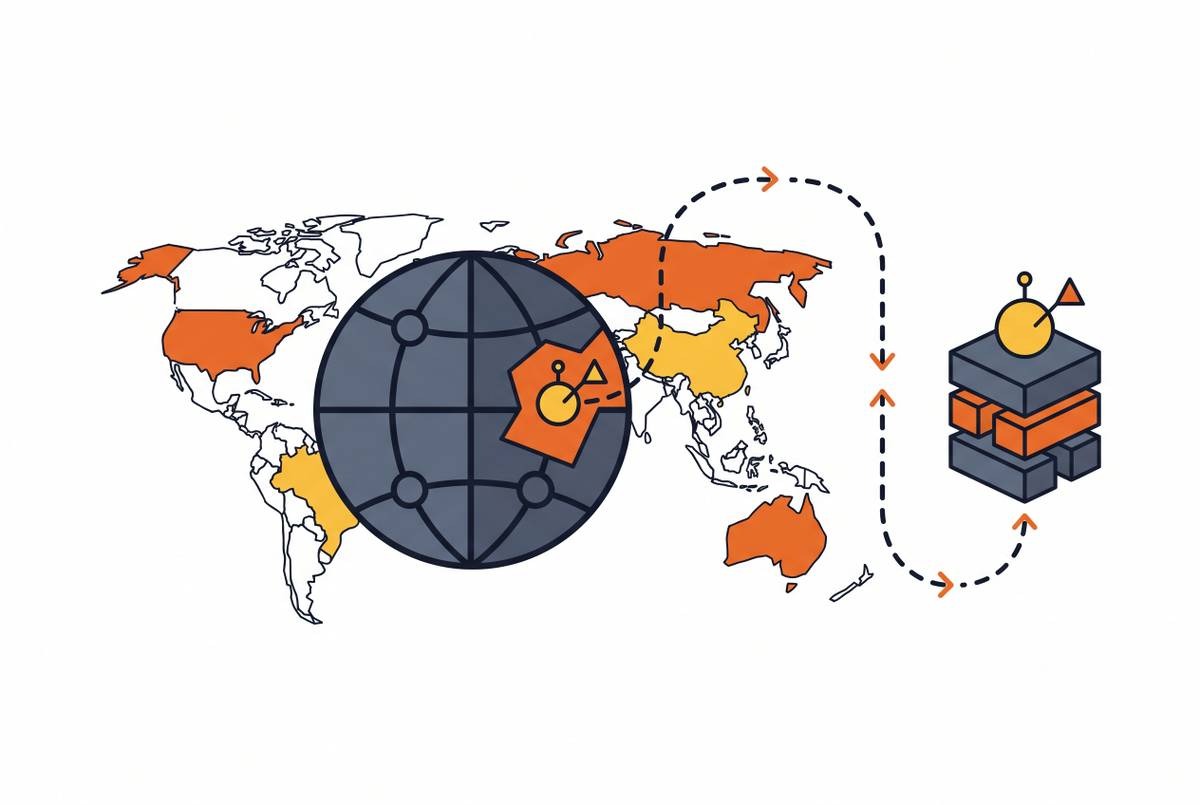
Vendor lock-in deserves the most upfront attention of anything on this list. Each provider's configuration requirements are unique. The way you build and deploy on Heroku is not how you'd do it on Azure App Service. Migrating between providers is difficult and sometimes practically impossible without significant rework. About 35% of businesses report real challenges from being tied to a single PaaS provider. That's not a fringe concern. That's roughly one in three organizations who went in with less than full information about what leaving would cost.
The onboarding is smooth. Things work. You move fast. And then somewhere down the road you want to switch providers and realize the cost of leaving is higher than the cost of staying, and by that point you've already made the choice whether you knew it or not.
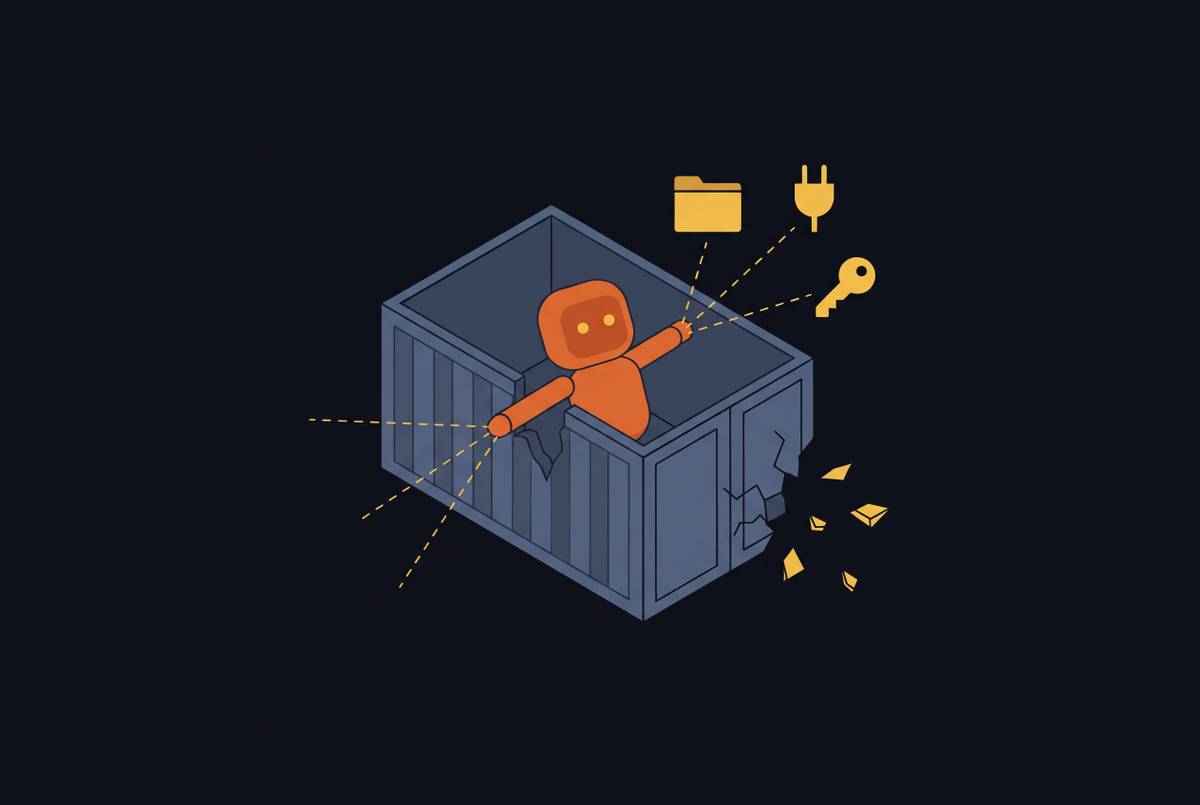
Reduced control is the direct tradeoff for that speed. The provider's platform choices constrain your design choices. Supported languages, framework versions, database technologies. These aren't negotiable in many cases. If your application needs something the platform doesn't support, you have a problem that a workaround won't fix.
Data security and compliance risk: Your data lives on vendor-controlled, third-party infrastructure. Multi-tenant environments, where underlying resources are shared, raise exposure for sensitive or regulated data. Organizations operating under frameworks like HIPAA or financial regulation need to verify a provider's certifications before assuming the platform is compliant. Security and compliance requirements can unexpectedly increase PaaS costs by up to 25%. That's a real line item, not a footnote.
Runaway costs at scale: PaaS is cost-efficient at small to mid scale. At large scale, costs rise directly with your application's footprint. At sufficient scale, a comparable IaaS setup might cost less. If you have the ops capacity to manage it, and that's a real conditional.
Integration friction: Connecting PaaS environments to on-premises legacy systems is difficult in practice. Not all existing infrastructure was designed for cloud interaction, and the gap between "cloud-native" and "decades-old systems" tends to be wider than it looks on a diagram.
None of these constraints are automatically disqualifying. But they need to be accounted for before you commit, not after you're already three years into a platform that doesn't fit where you're headed.
When PaaS Is the Right Fit and When It Isn't
PaaS's value is clearest when the abstraction it offers matches what the team actually needs. It gets murky when the application's requirements start pushing against what the platform can handle.
PaaS tends to fit well when:
- The core priority is development speed, not infrastructure customization
- The team is small or doesn't have dedicated infrastructure or ops specialists
- The application needs to scale unpredictably (e-commerce during peak seasons, healthcare platforms handling variable data loads)
- Development is distributed and teams need a shared, consistent environment
- You're building new cloud-native applications rather than lifting and shifting legacy systems
- You're a startup or growth-stage company that needs to move fast and defer infrastructure investment
PaaS tends to fit less well when:
- The application has runtime, language, or framework requirements a given platform doesn't support
- Data sovereignty or compliance requirements rule out multi-tenant public cloud environments
- The application is at a scale where platform costs consistently exceed what a managed IaaS approach would cost
- Deep integration with on-premises legacy infrastructure is required
- Long-term strategy requires architectural portability, because if switching providers is a realistic future scenario, the lock-in math changes significantly
Industry patterns are instructive here. Healthcare's rapid PaaS adoption reflects the need for scalable, manageable infrastructure without large internal ops teams. Banking's leadership in iPaaS usage reflects integration-heavy architectures connecting decades-old systems to modern applications. Enterprise DevOps and microservices workloads have driven demand for container-oriented platforms like OpenShift specifically because those teams need PaaS productivity without surrendering deployment flexibility.
What these patterns share is that the organizations leaning hardest into PaaS have a clear, specific answer to one question: what problem does this abstraction actually solve for us?
That question is harder to answer than it sounds. The organizations that get burned aren't usually the ones who ignored PaaS entirely. They're the ones who adopted it because it felt like the obvious next step, and never sat down to work out what they'd do if the platform stopped fitting three years later.