Containerizing GPU Workloads With NVIDIA Container Toolkit
The toolkit bridges NVIDIA drivers on the host with CUDA libraries containerized inside.
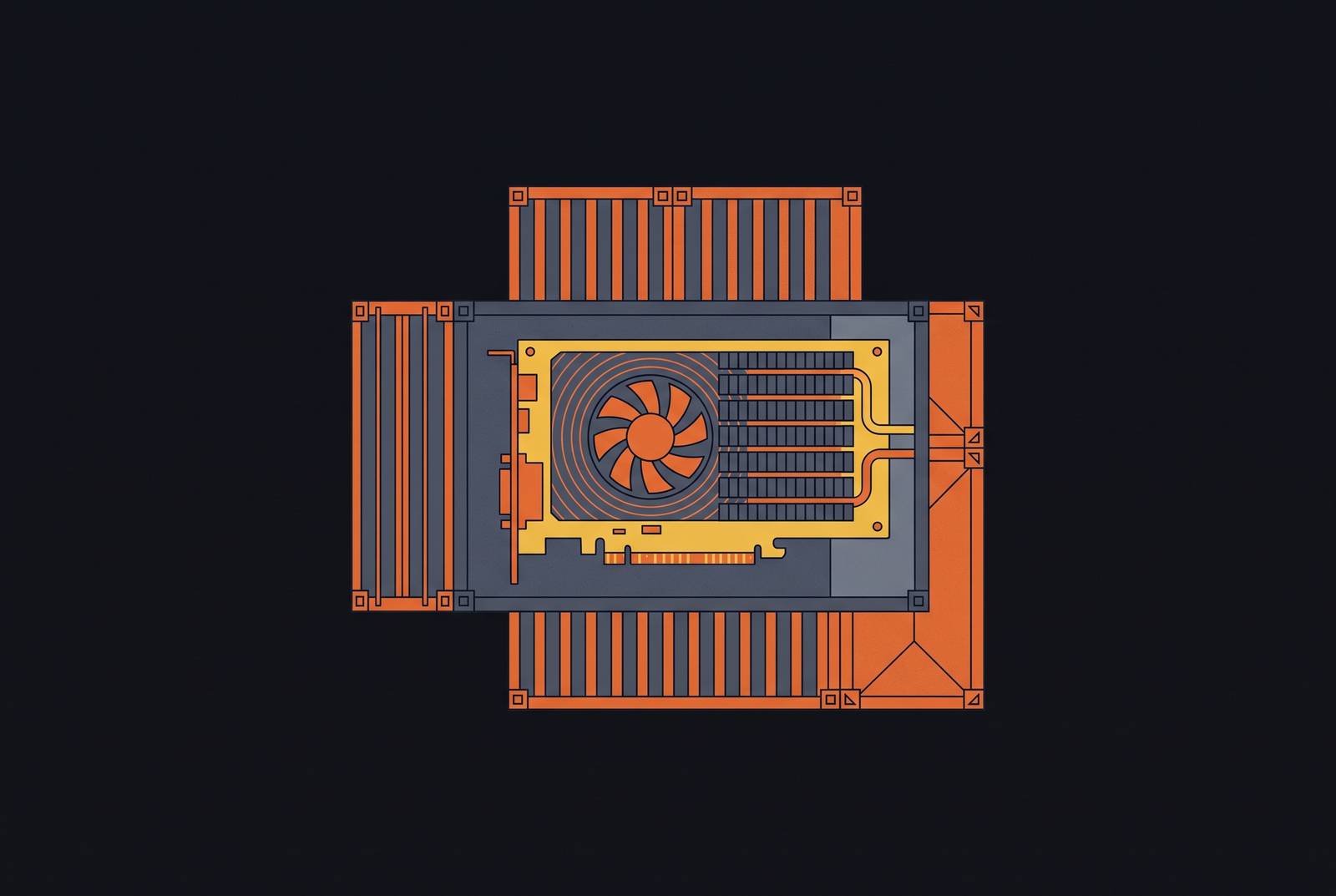
Containerizing GPU workloads is fundamentally an isolation and portability problem that standard container runtimes were never built to solve. The workable fix separates concerns instead. The host carries only the NVIDIA driver, while the CUDA Toolkit, its libraries, and its compiler all live inside the container image, which is the entire point of containerizing CUDA workloads in the first place. The NVIDIA Container Toolkit was built to enforce that separation. It acts as the bridge that makes the split work, with no manual bind-mounts or fragile path hacks holding it together.
The OCI Hook Mechanism
The toolkit solves portability by intercepting container startup through a pre-start OCI hook, injecting only what a given container needs from the host driver and leaving the image itself untouched. When a container launches with a GPU request, the nvidia-container-runtime-hook fires before the container process ever starts. The container process then starts with GPU access already present, as though the libraries had been there all along. The toolkit's structure reflects this design directly: it is not one binary but a chain of components, including the nvidia-ctk CLI tooling (which handles CDI spec generation among other tasks), the nvidia-container-runtime OCI shim, and the nvidia-cdi-hook executor, all backed by the libnvidia-container library. The host needs only the NVIDIA driver and nothing else from the CUDA stack because the compiler and toolkit libraries live inside the image, and the hook's only job is to surface the driver's libraries and device nodes into the container at launch. One prerequisite deserves a direct mention here. The proprietary NVIDIA driver has to be the one loaded on the host, because the open-source Nouveau driver does not support the compute APIs the toolkit depends on, so there is no fallback path through it. The payoff of this architecture is that images become driver-version-agnostic: the same image runs unmodified on a host with a newer driver, since the injected libraries come from the host at launch time rather than from a version frozen into the image at build time.
CDI as the Current Default
Earlier toolkit releases relied on a legacy mode, and it performed these library and device injections through more ad-hoc bind-mount logic built into the runtime itself. Since toolkit version 1.18, the default mode generates a Container Device Interface (CDI) specification just-in-time, so if you're upgrading, check that your container engine supports it first. CDI is a standardized specification describing how devices get injected into a container: the runtime reads a CDI spec file and applies it instead of improvising bind-mounts at launch, which makes device injection explicit, auditable, and portable across different engines, independent of any one runtime's internal logic. That standardization comes with a version floor. CDI spec v0.7.0 compatibility is required, which in practice means containerd 2.0 or newer and Podman 5.1.0 or newer. Kubernetes clusters inherit this shift too: CDI is now enabled by default when installing or upgrading the GPU Operator to 25.10.0, with the cdi.enabled field in the ClusterPolicy set to true out of the box. The practical consequence lands squarely on upgrade planning: an engine sitting below the CDI threshold will either fall back silently to legacy mode or fail outright to start GPU containers, so checking engine version before bumping the toolkit version is a required step, not a nice-to-have.
Installation and runtime configuration on Ubuntu: the steps that matter
Getting a GPU container running on Ubuntu takes three distinct actions, and they have to happen in order: verify the host driver, add the official repository and install the toolkit, then explicitly configure the container runtime.
The first step confirms the host driver is actually loaded:
nvidia-smiIf the output shows GPU name, driver version, and current utilization, you know the proprietary driver is active. The Nouveau driver cannot substitute here, as you saw in the previous section.
The second step adds NVIDIA's official repository and installs the toolkit itself:
curl -fsSL | sudo gpg --dearmor -o /usr/share/keyrings/nvidia-container-toolkit-keyring.gpg curl -s -L | \ sed 's#deb [signed-by=/usr/share/keyrings/nvidia-container-toolkit-keyring.gpg] | \ sudo tee /etc/apt/sources.list.d/nvidia-container-toolkit.list sudo apt-get update sudo apt-get install -y nvidia-container-toolkit
The older nvidia-docker2 meta-package is deprecated, with its final release at v2.14.0 and its repository archived in January 2024, so nvidia-container-toolkit should be installed directly rather than through that wrapper. You pull packages from the official upstream repository, not from third-party DEB files, because that is what keeps security patches and compatibility updates flowing.

The third step configures the container runtime to actually use the toolkit:
sudo nvidia-ctk runtime configure --runtime=docker
This command modifies /etc/docker/daemon.json to register the NVIDIA runtime. The daemon needs a restart before any of this takes effect:
sudo systemctl restart docker
## Scaling to Kubernetes: how the GPU Operator's component stack fits together

You can configure the toolkit by hand on a single machine, but it becomes unworkable at fleet scale, so the GPU Operator exists for that. The Operator automates the full stack across a cluster, and it deploys and manages each layer as its own DaemonSet so no node needs manual intervention. The NVIDIA Driver Container builds and loads the kernel driver without a host-level installation, so nodes stay stateless and are easier to replace or rebuild. The NVIDIA Container Toolkit component configures containerd or CRI-O to inject GPUs via CDI, following exactly the same mechanism described for the single-node case earlier in this piece. The Device Plugin advertises nvidia.com/gpu resources to the Kubernetes scheduler, letting pods request GPUs as first-class resource types the same way they request CPU or memory. GPU Feature Discovery labels nodes with GPU capability metadata, which supports affinity rules and routing across clusters that mix different GPU generations. DCGM and DCGM Exporter surface GPU telemetry to Prometheus, covering utilization, temperature, and error rates across every node in the fleet. The MIG Manager handles Multi-Instance GPU partitioning across nodes without requiring an operator to touch each machine individually. The Operator Validator closes the loop by confirming the full stack is actually functional once deployment finishes. Underneath all of this automation sits the same three-layer chain found on a single node, the nvidia-ctk configuration, the OCI shim, and the CDI specification, with the Operator simply managing the rollout, upgrades, and node-level configuration that would otherwise require touching every machine by hand.

## Multi-tenancy, GPU partitioning, and the isolation limits of the toolkit alone

The toolkit handles driver injection reliably, but on shared GPU infrastructure it gives you no workload isolation between containers on its own, so if your team assumes otherwise you're carrying a hidden security gap. A container granted `--gpus all` can run arbitrary CUDA code against the physical device, and on a multi-tenant cluster that means one container can, in principle, observe or interfere with GPU memory belonging to another, unless partitioning is enforced at the hardware or scheduling layer. MIG, short for Multi-Instance GPU, provides hardware-enforced isolation, with separate streaming multiprocessors, memory, and caches assigned per instance, available on Ampere-generation and newer data center GPUs including the A100, H100, H200, and B-series, though not on cards like the T4, L40S, or consumer GPUs. A single A100 or H100 can be split into as many as seven fully isolated instances, each with its own dedicated compute, memory, and cache. On the RTX PRO 6000 Blackwell Server Edition, slicing into four 24 GB partitions using the 1g.24gb profile lets a 7B-parameter model in FP16 run on each partition independently, yielding four isolated inference workloads on a single physical GPU. Time-slicing works differently: the device plugin can split GPU access into a configurable number of equal shares for concurrent containers, with no fixed ceiling of 16, but it provides no memory isolation, performance grows unpredictable under contention, and per-container CPU and system memory limits need separate enforcement to prevent resource starvation. MPS, or Multi-Process Service, shares a single CUDA context across processes, which eliminates context-switching overhead and runs lighter than time-slicing, but its isolation boundary is weaker than MIG's. Self-hosted multi-tenant clusters should scope GPU access with CDI allow-lists or MIG instances rather than trust that workload code will behave itself, since the toolkit alone places no constraint on what a container does with the GPU access it has been granted.

## Container escape and GPU isolation: the security boundary the toolkit does and does not provide

A correctly configured NVIDIA Container Toolkit still does not make a container boundary equivalent to a hardware isolation boundary, and actual vulnerabilities have crossed that line. CVE-2025-23266, disclosed in July 2025, allowed malicious actors to bypass isolation mechanisms and gain root access to host systems through the NVIDIA Container Toolkit, a container escape that compromised GPU isolation even on systems where the toolkit was configured correctly at every higher software layer. The standing guidance from that bulletin remains current: run Container Toolkit v1.16.2 or higher, or GPU Operator v24.6.2 or higher, and keep both current as new patches arrive. For workloads that execute untrusted or AI-generated code, shared-kernel containers generally fall short of sufficient isolation no matter how carefully the toolkit itself is configured. Stronger boundaries become necessary, and what those boundaries look like in practice is the subject of the next section.

## The toolkit in sandboxed AI agent runtimes that execute untrusted code

AI agents that run untrusted or machine-generated code need isolation stronger than a shared-kernel container can offer, and the isolation mechanism you choose determines whether GPU access is even possible inside the sandbox at all. A real tension sits at the center of this choice: the isolation boundaries strong enough to contain untrusted code tend to be the same ones that block direct GPU access. gVisor intercepts GPU calls at its user-space kernel boundary and provides GPU access instead through nvproxy, which proxies NVIDIA driver ioctl calls to the host driver rather than relying on PCIe passthrough, carrying meaningful CPU overhead and no direct hardware path as a result. Firecracker uses hardware virtualization for strong isolation but excludes GPU passthrough as a deliberate design decision meant to minimize attack surface. Kata Containers takes a different approach: it runs a full microVM with its own Linux kernel and supports GPU passthrough on bare metal, so it is the practical choice if you need both strong isolation and GPU access inside the same sandbox. Most sandbox platforms build on Firecracker, so they end up CPU-only by design, and if you need GPU access inside a sandboxed agent you have to explicitly choose Kata Containers or accept the weaker isolation ceiling that comes with gVisor.

## Checkpoint and restore for long-running GPU workloads: reducing cold-start latency at the inference layer

Cold-start latency has become an emerging bottleneck for GPU-backed AI workloads in production. NVIDIA has addressed this directly with Dynamo Snapshot, a checkpoint and restore approach for AI inference workloads on Kubernetes that combines CRIU for host state with cuda-checkpoint for GPU state. Restore times for large models improve substantially too. For gpt-oss-120b, optimized CRIU brings restore time down to 15 seconds from a 119-second baseline. Dynamo Snapshot sits at the inference-framework layer, above the toolkit but below the application itself, and it depends on the toolkit having correctly surfaced GPU devices into the container in the first place. The two layers are complementary rather than overlapping: one injects the device, the other manages the state that runs on it.

## Security hardening and compliance for GPU containers in regulated environments

The NVIDIA Container Toolkit carries specific security certifications relevant to regulated deployments, and teams working under compliance obligations need to understand precisely what those certifications cover and where their own responsibilities pick up. The Container Toolkit image on NGC is marked "Gov Ready," meaning it meets security requirements for FedRAMP High or equivalent use cases, and it has been validated to work both with and without FIPS-enabled Linux and Kubernetes distributions. On H100 and newer hardware, the compliance picture gets stronger still. H100 supports both MIG and Confidential Computing, though the two are mutually exclusive in practice: Confidential Computing operates at the CVM and GPU level with a single attestation boundary and session key assigned per GPU rather than per MIG instance, and it needs to be enabled through nvidia-smi before any MIG profiles are configured.

## Requirements for a Production-Ready GPU Container Setup

A production-ready GPU container environment is not just one tool or one configuration step. It is a layered stack, and each layer addresses a concern the layers beneath it cannot handle on their own. The host driver is the only GPU component that belongs on the host itself, and the minimum version for full compatibility with current toolkit releases is 580 or newer. The NVIDIA Container Toolkit, at v1.20.1 as of current releases, injects driver libraries and device nodes at runtime through the OCI hook or a CDI specification, which keeps images lean and driver-version-agnostic exactly as described earlier in this piece. Container runtime configuration, whether for Docker, containerd, or CRI-O, has to explicitly register the NVIDIA runtime, and current toolkit releases require engine versions capable of CDI. GPU partitioning follows from there: MIG where hardware-enforced multi-tenant isolation is needed and available, time-slicing or MPS where MIG is not an option, each carrying its own isolation tradeoffs as detailed earlier. Security hygiene covers non-root containers, avoiding privileged mode, staying current on toolkit and driver versions, and scoping access through CDI allow-lists. Kubernetes automation, through the GPU Operator for fleet-scale node configuration, the Device Plugin for scheduler integration, and DCGM for observability, extends all of this across a cluster rather than one machine at a time. Checkpoint and restore, through Dynamo Snapshot in its current experimental form for single-GPU vLLM and SGLang workloads, addresses cold-start reduction on stateful inference work. If your code is untrusted or AI-generated, the execution runtime itself needs to be a purpose-built sandboxed environment, because that is the isolation boundary the toolkit alone was never designed to provide. The toolkit remains the essential foundation underneath every one of these layers: without it, nothing above it functions. But it is one layer in a stack built for a specific job, not the whole stack, and treating it as the whole stack is where production GPU deployments tend to run into trouble.